
Fields
Preview:
| Take time, | Creative Woodworks OÜ |
|
Firstname Lastname Title person@epost.ee |
Iglucraft OÜ https://iglucraft.com/ 


|

|
|
Tutorial
- Fill the fields
- Select all of the email footer content. ( It should autoselect when clicking on it )
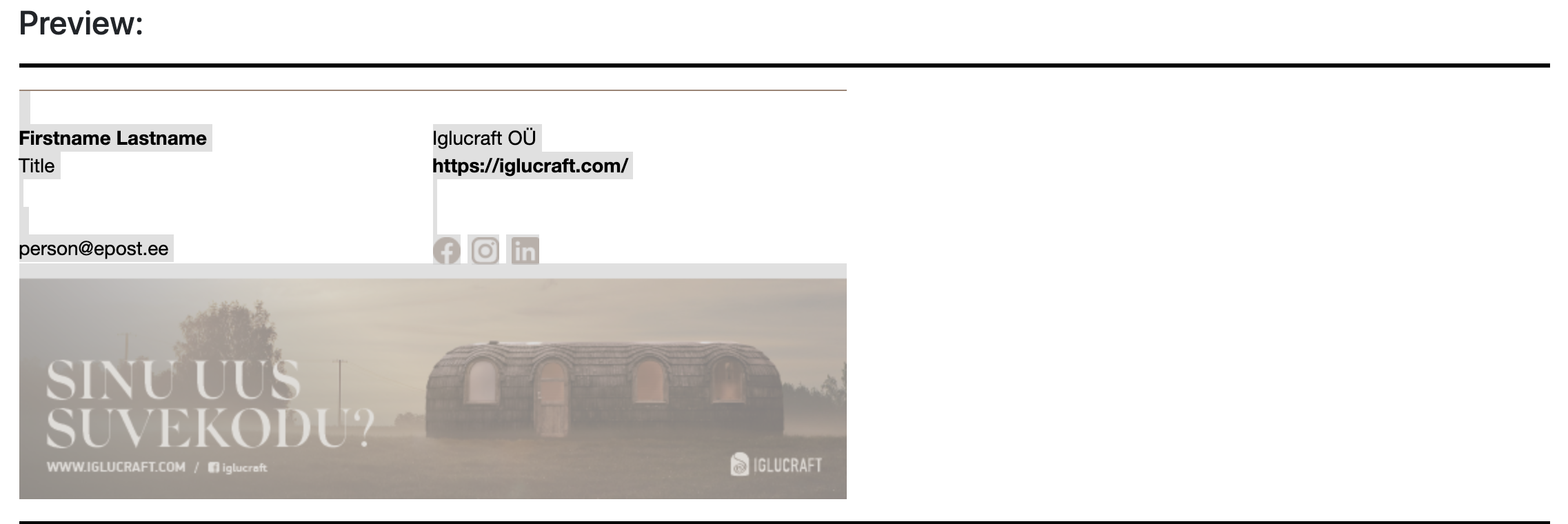
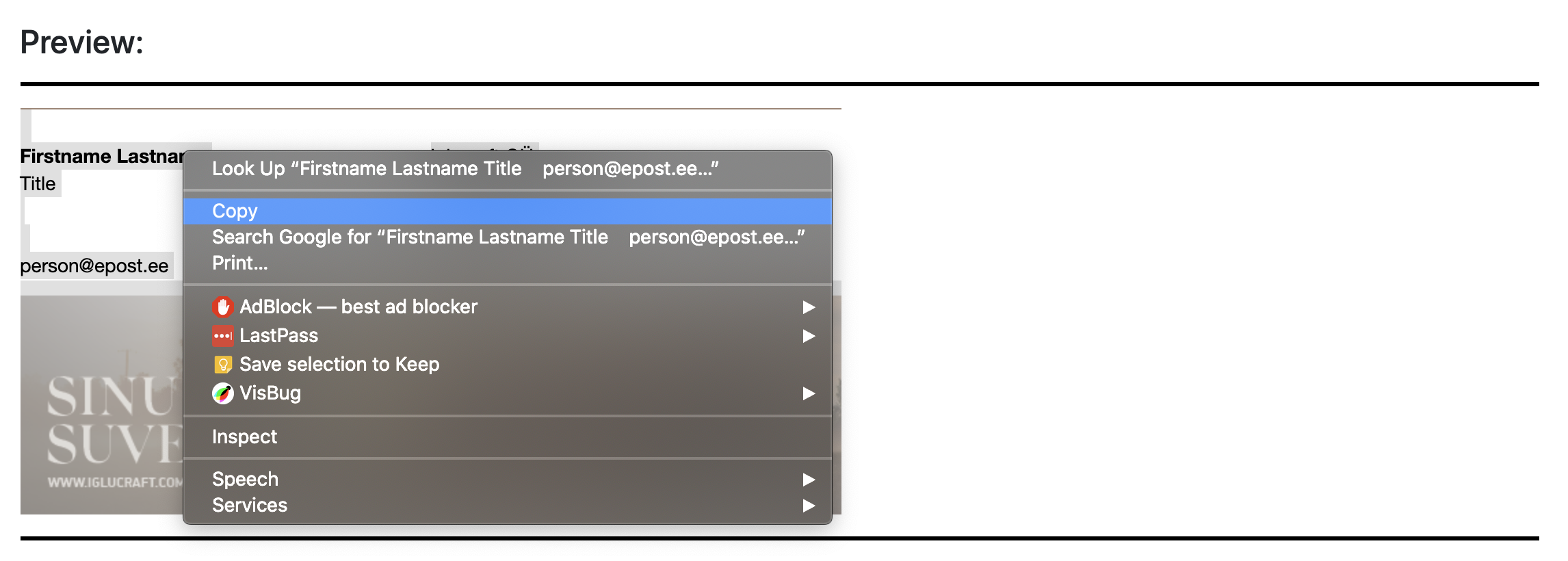
- Then copy the selection ( Press "copy" on the text, not on the image, or cmd + con Mac or ctrl + c on Windows )
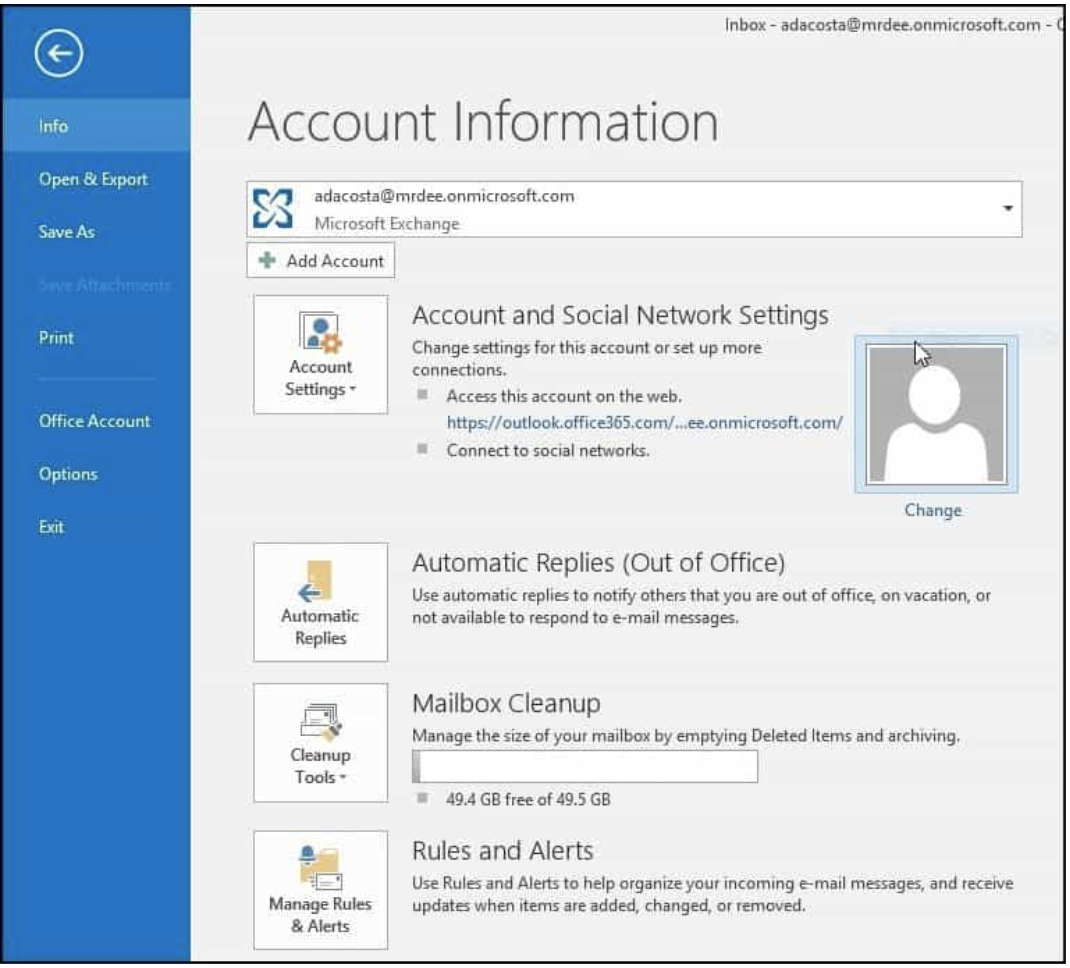
- Open Outlook 2016 and go File>Options
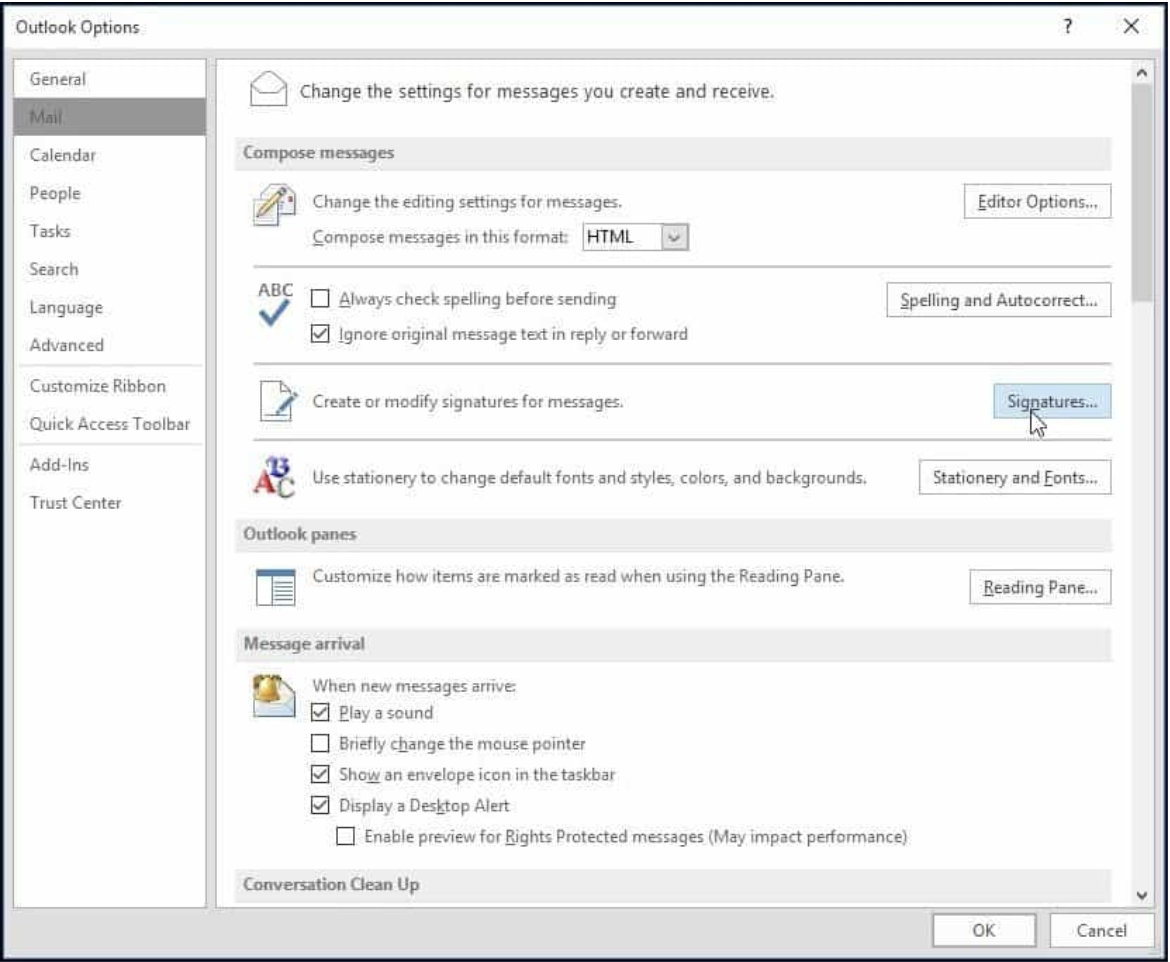
- Then choose Mail and then Signature.
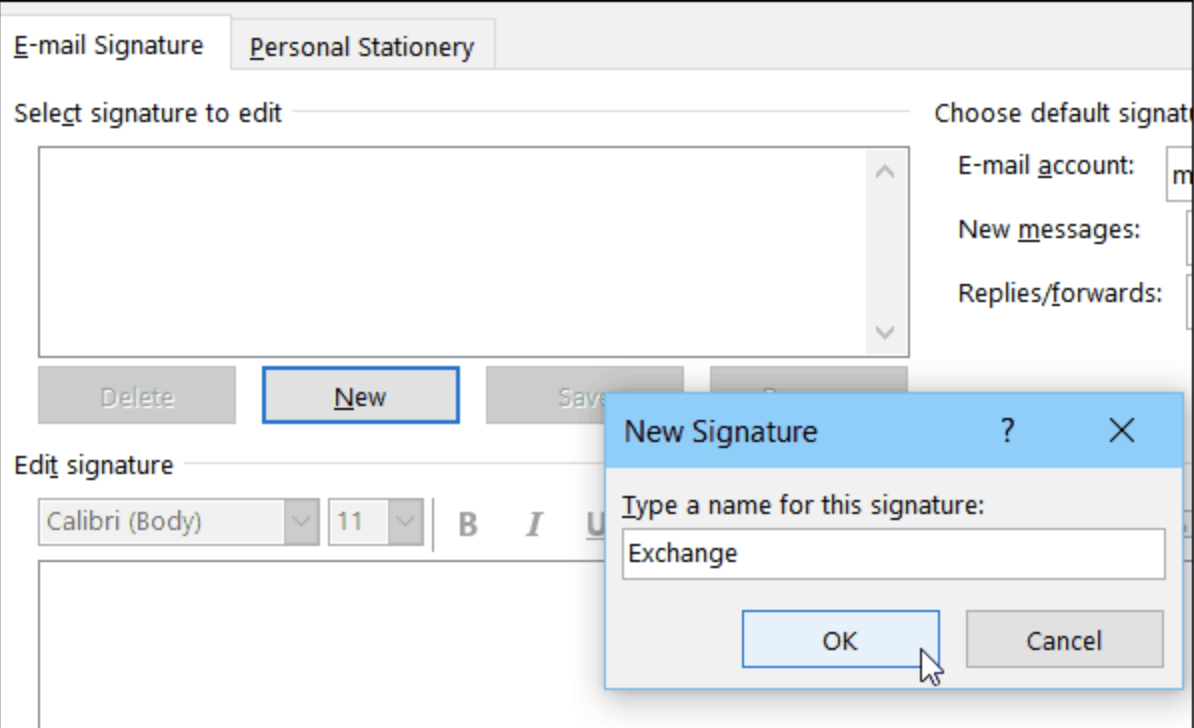
- Click on the new button and give it a name
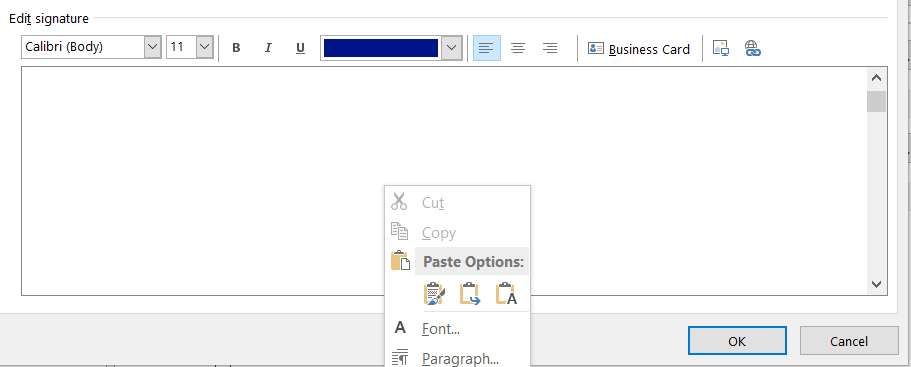
- Paste the copied content to the textarea
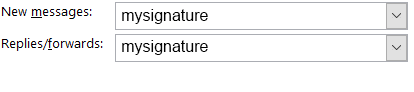
- Set the new signature as default signature
- Press OK and it is ready to use